Offers
Depop Offers
Configure automatic offers for Depop.
Last updated 2026-11-17
In short
Set up offers
Open Depop
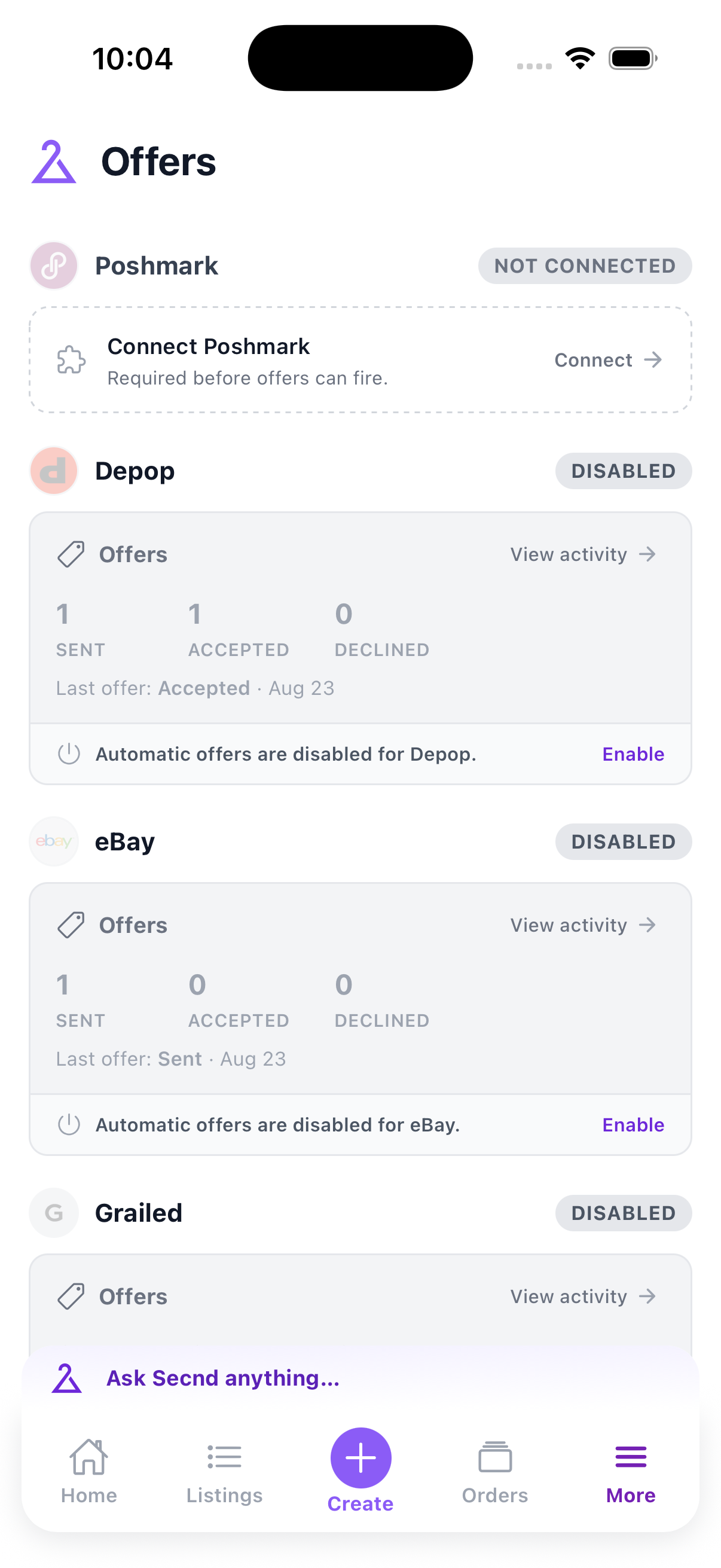
Enable auto-offers
Offer rules
Set the default offer
Add optional rules
Save the rules
Review activity
Open offer history
Who gets a Depop offer
SECND reads your Depop likes notifications. When a buyer likes one of your items, SECND waits your Send after engagement delay and sends an offer to that buyer only, on that item. The buyer's Depop username shows on the row in Offer activity.
Connect Depop first under Connect Depop. For the settings every marketplace shares, see Automatic Offers.
Depop rule fields
Depop uses only the shared fields. There is no shipping discount or message field for Depop.
- Discount (minimum 5%): 5% to 99%.
- Discount from: Current sale price or Original price. If SECND doesn't know an original price for the item, it uses the current price.
- Tier rules can give cheaper or older items a different discount.
The offer price is rounded down to a whole dollar and sent in the currency of the listing. For an item with sizes, SECND sends the offer on the size Depop names for it.
What Depop allows
Before every offer, SECND asks Depop for the highest offer it will take on that item. Depop sets that ceiling from the current price or from the lowest offer you've already sent on the item, and it goes down each time an offer goes out. If your rule's price isn't below it, SECND skips the offer instead of sending one Depop would refuse. So a later buyer on the same item may not get an offer at your usual discount.
SECND also skips when Depop says you've already sent an offer on the item, and when the item is sold or delisted. The same buyer won't get a second offer from you on Depop within an hour.
Common issues
Have a question that isn't answered here? .