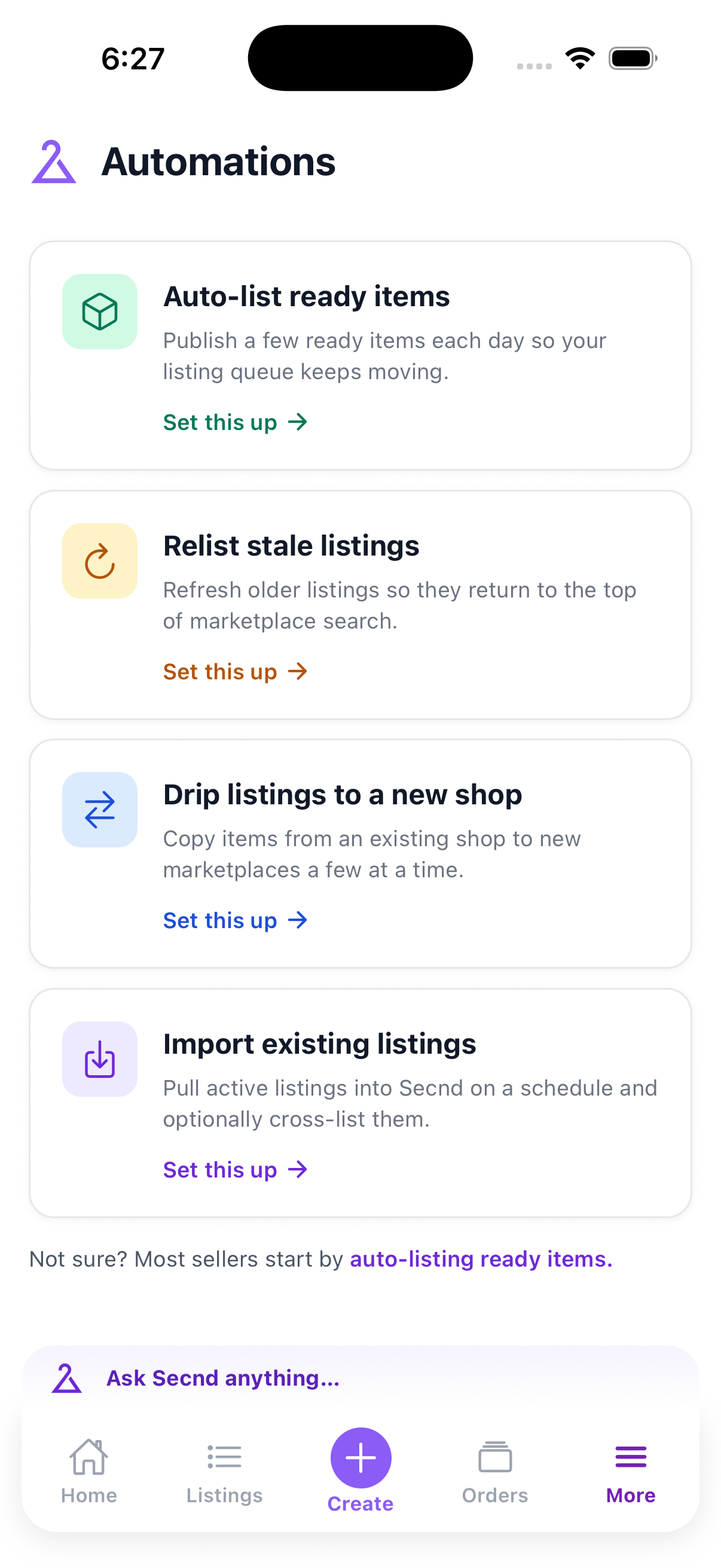
Open More and tap Automations. Templates can auto-list ready items, relist stale listings, drip listings to another shop, or import existing listings on a schedule.
2.
Set the rules
Tap Set this up. Choose the source and destination marketplaces, schedule, item limits, and any filters shown for that template. Review the summary before enabling it.
Note
Most sellers should start with auto-list ready items. It works from the listing queue and publishes a controlled number of reviewed items each day.
Use the switch on an automation card to pause or enable it. Change settings edits its rules. See activity shows recent runs and item results. The action menu can run it now or delete it. Custom pipeline automations run here, but you edit their pipeline in the web app.
No items were processed. Check the automation filters, schedule, item limit, and source marketplace. Auto-listing only publishes reviewed items that are ready in the listing queue.