Review marketplace sales, find an order, and check what SECND delisted after a sale.
Last updated 2026-08-23
In short
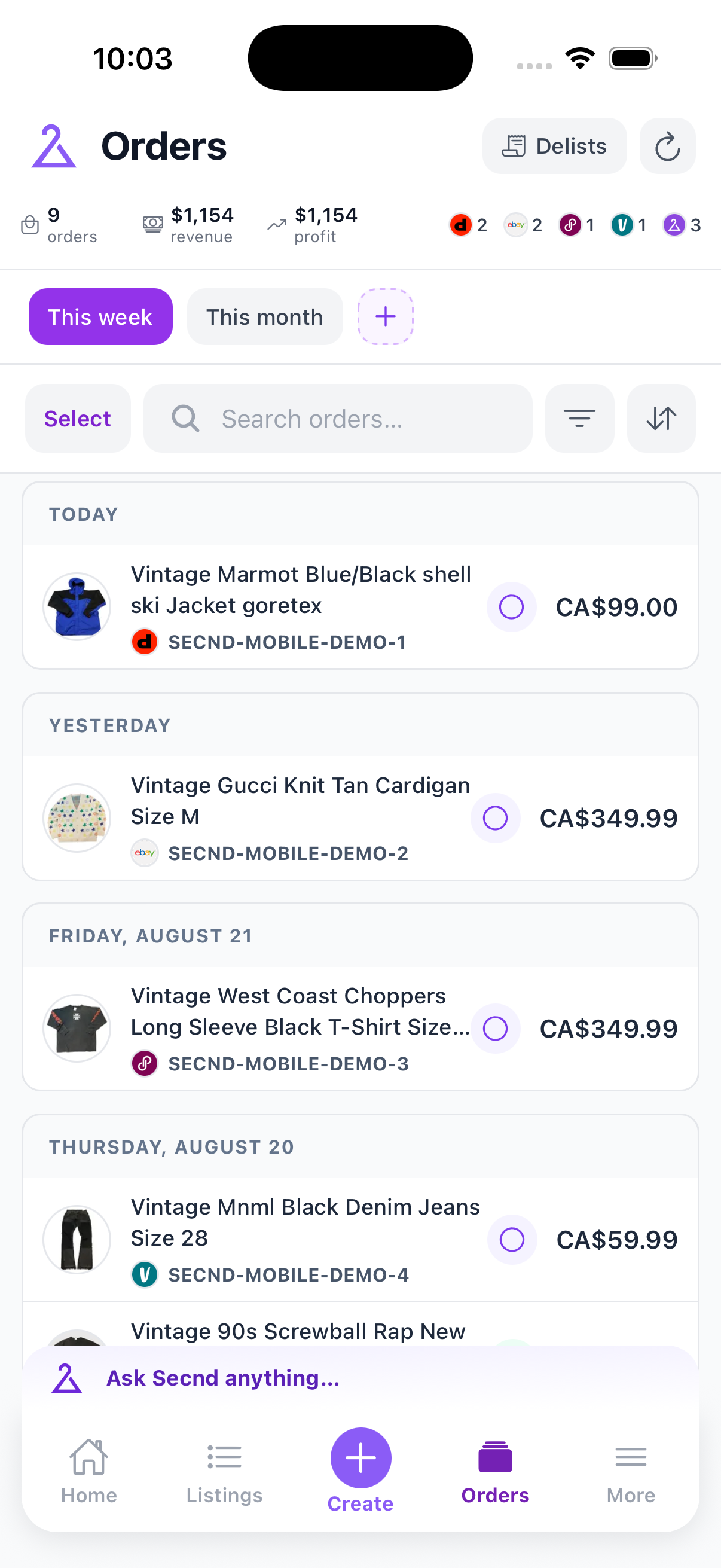
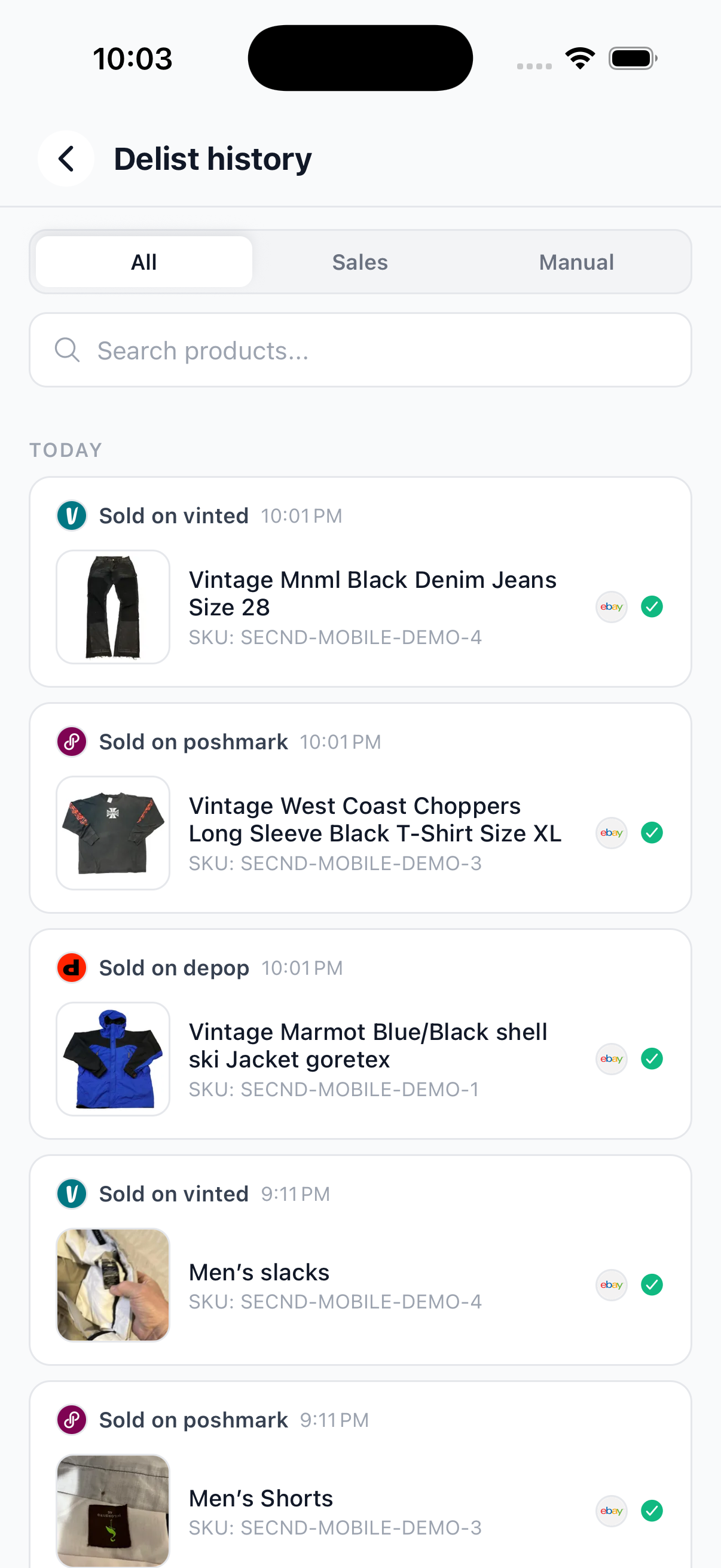
Open Orders in the bottom navigation. Search by title or SKU, filter by marketplace or status, and open Delist history to confirm what happened after a sale.
The summary separates order count, revenue, and profit. Use the time-range tabs to check this week or this month before you review individual sales.
Search accepts a product title or SKU. Filter narrows the list by marketplace, order status, or saved view. Sort puts recent sales, prices, or other available fields in the order you need.
Note
Tap Sync orders when a recent marketplace sale has not appeared yet.